
- New: 1.4.131
- Free
- No ads
- Open source
Your car, clean.
The launcher for Android car and motorcycle head units. Your car in 3D, OBD scanner, tires, music, map and speedometers, in 1.8 MB.
Installed it? If you like it, give it a ★ on GitHub: it helps more people find it.
Android 6.0 or newer · No accounts, no tracking · Now on Google Play
Measured with LiteDash 1.4.92 on a 7" screen emulator (median of 10 launches). Stars and downloads, live from GitHub.
A home screen that feels factory-fitted.
Real LiteDash screenshots on a 7" screen. Tap each tab.
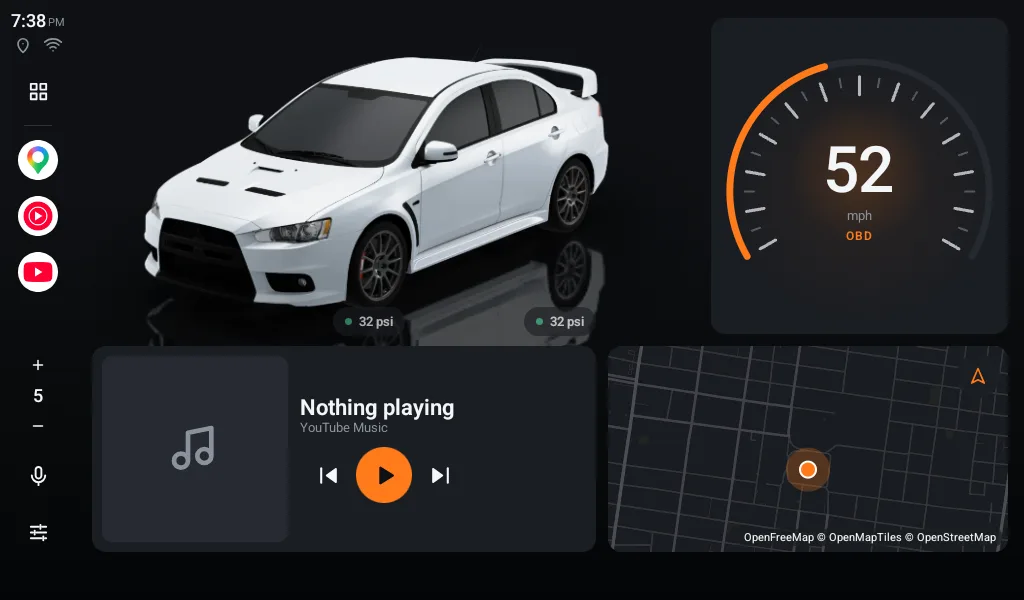
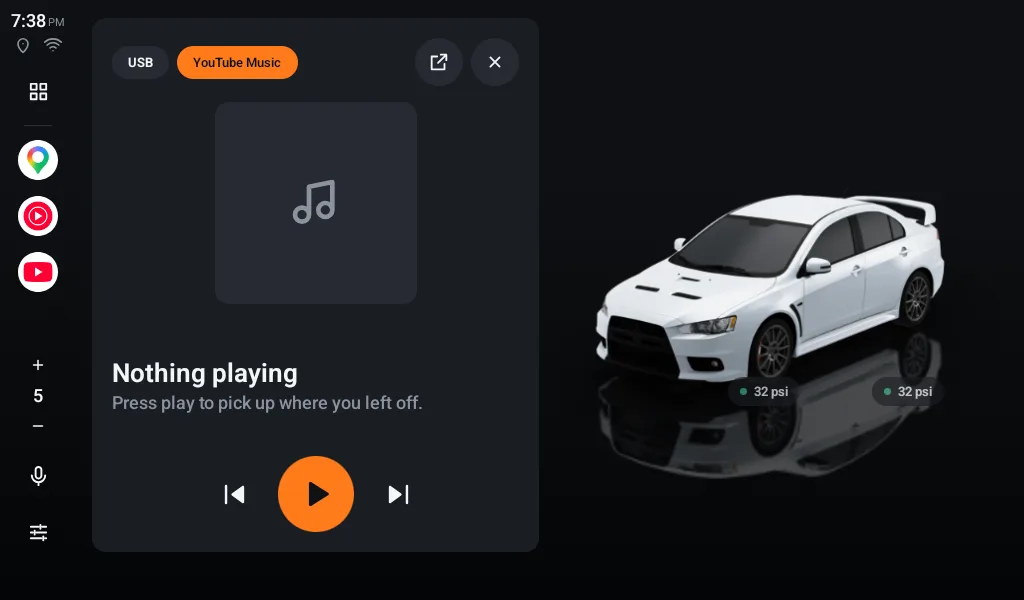
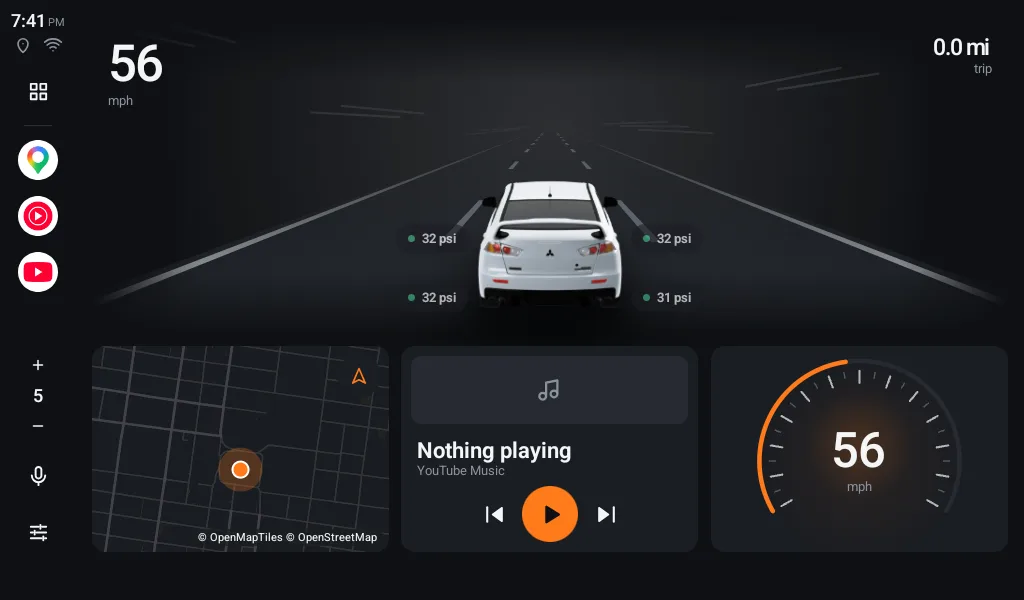
Your home. Your car standing on the floor with its reflection, each tire's pressure, the speedometer, music and the map. Move and resize anything.
The Workshop: talk to your engine.
Plug an ELM327 adapter into the OBD port (under the steering wheel) over Bluetooth, Bluetooth LE, Wi-Fi or USB. No other app needed.
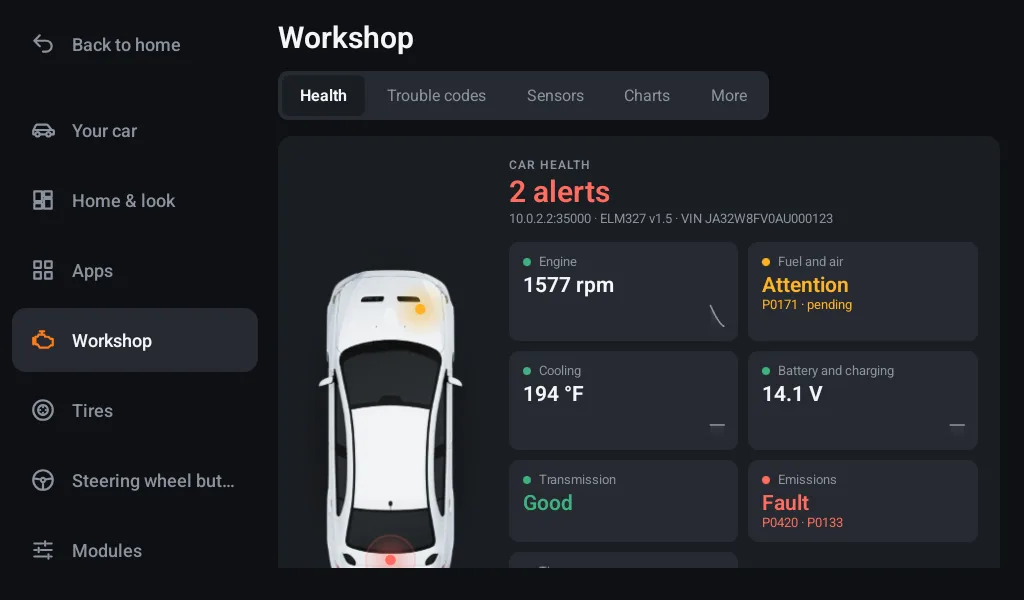
- Car health: your car seen from above with a dot on the part that needs attention.
- Trouble codes explained in plain words, and cleared with a double confirmation.
- Will you pass inspection? The check engine light and the monitors they check.
- Live charts and sensors, a timed 0–60 and a trip log.
- Alerts if the engine overheats or the battery isn't charging.
Your tires, without the maker's app.
Works with the USB-receiver kits sold for Android head units and the most common Bluetooth sensor families. Some cars even report factory tire pressure over OBD.
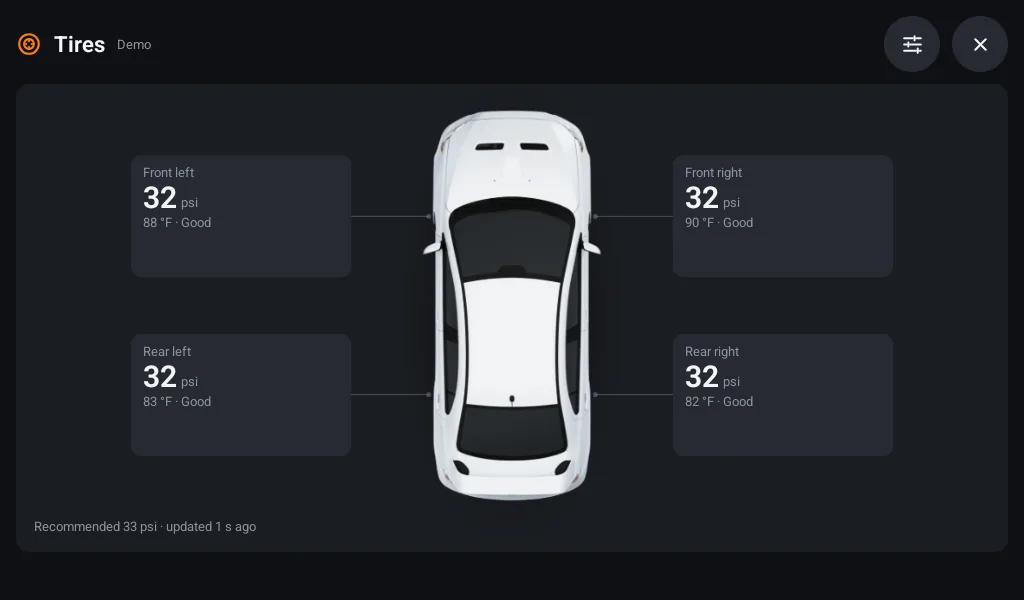
- Pressure stuck to each wheel of your 3D car, even while you spin it.
- Tap your car to see it from above with all four tires.
- Alerts for low pressure, leaks, heat, sensor battery and lost signal.
- Pair, swap and rotate sensors with a tap.
Music, radio and map on your home screen.
What used to take three apps is already here.
- USB drive with its own player: folders, artists and albums.
- Bluetooth and your music app (Spotify, YouTube Music…) with play, next and cover art.
- FM radio from your head unit in its own widget and, if you want, internet radio with stations near you.
- Live map, flat or tilted, and the next turn without opening Waze.
- Split screen: the map on one half and your car on the other.
Speedometers, colors and the road.
Everything is customizable and everything has a good default.
- Speedometer from OBD or GPS: dial (plain, neon or blocks), needle, digital, bar or gradient.
- Tachometer, temperature, fuel, battery, economy, boost and more as widgets.
- Any color for the interface and for your car.
- Your car on the road, with lane lines moving at your speed.
Your car, in 3D and in your color.
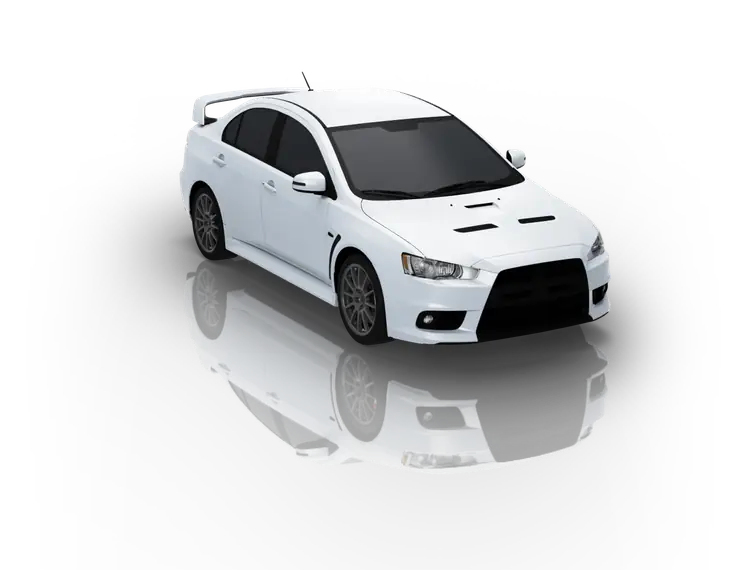
Fifteen pre-rendered models with their shadow and reflection. Download yours only if you want it (about 2 MB), spin it 360° and paint it like yours.
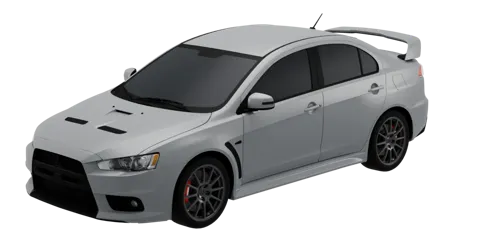 Lancer Evolution X2008–2015
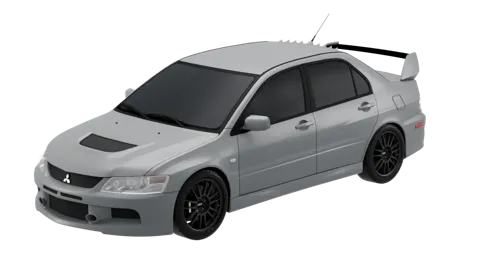 Lancer Evolution IX2005–2007
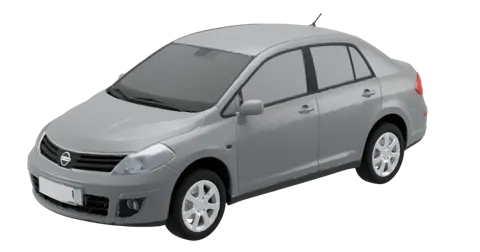 Tiida2010
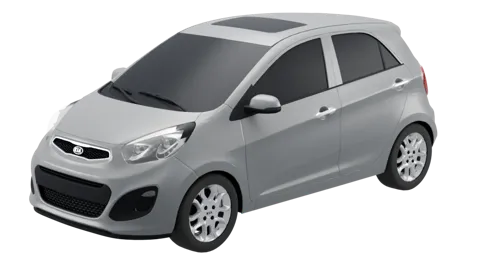 Picanto2011–2015
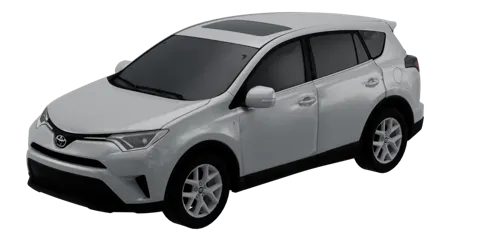 RAV42016–2018
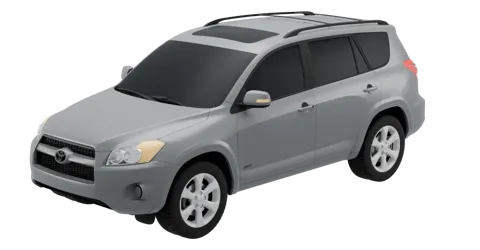 RAV42009–2012
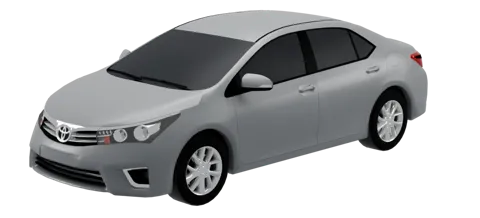 Corolla2014–2016
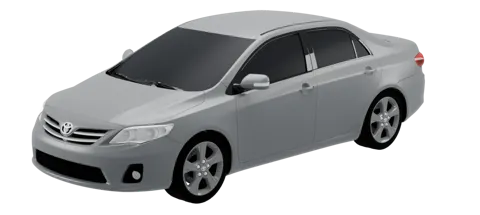 Corolla2011–2013
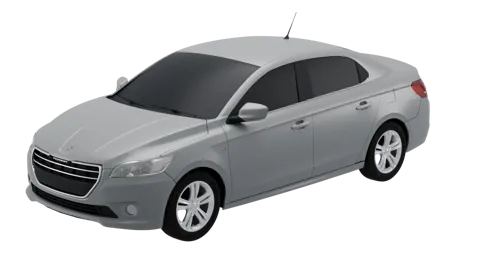 3012013–2016
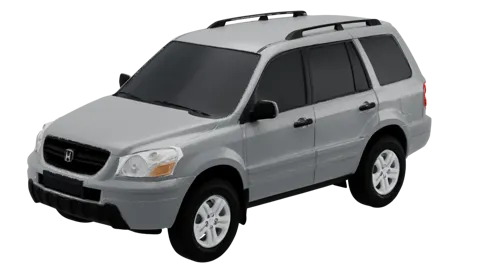 Pilot2003–2005
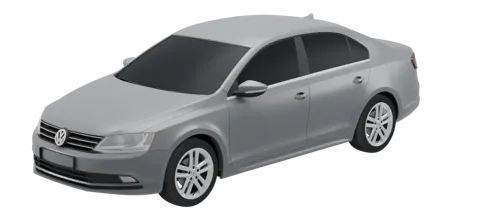 Jetta2015–2018
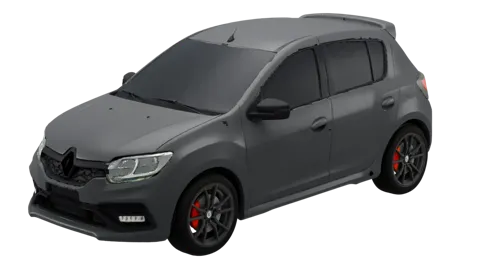 Sandero RS2019–2022
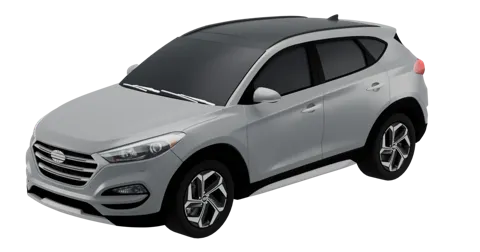 Tucson2016–2018
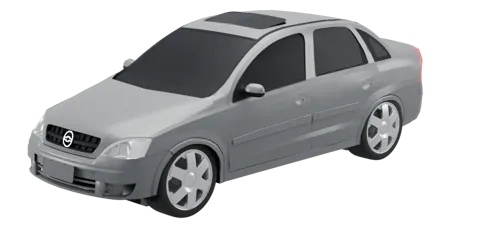 Corsa Sedan2002–2008
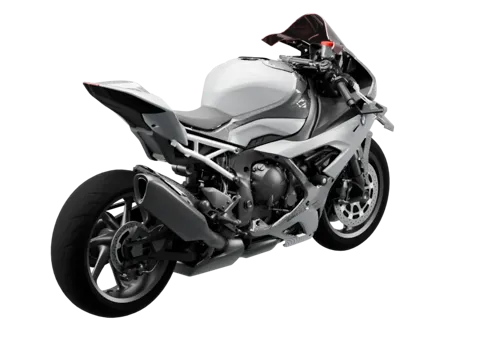 S1000 RR2019–2022 · motorcycle
Yours isn't here? New cars are made one by one, Ko-fi supporters first: leave the make, model and year in your message.
Up to 15 times lighter.
Car head units have little memory and slow processors. LiteDash is measured on every release: if something weighs too much, it doesn't get in.
Download sizes published on RuStore, November 2026. They may vary by version. Full comparison: features, price and minimum Android →
Everything starts off. Turn on what you use.
Freshly installed, LiteDash is the bare minimum. What's off disappears and uses no memory, battery or permissions.
Your home, your way
Move, resize or remove widgets, with or without a card, over your own wallpaper.
Steering wheel buttons
Learns each button on your wheel and lets you choose what it does: music, volume, map or voice.
Day and night
Theme and brightness by sunset time, the light sensor or your car's headlights.
Weather and trip
Temperature and a 3-day forecast; distance, time and heading by GPS.
Reminders
Service, inspection, registration and insurance, with a heads-up days before.
Android Auto and CarPlay
Your projection app (Zlink, AutoKit…) one tap away, plus split screen.
Parked
After a few idle minutes, a big clock that won't dazzle you at night, or your own image.
Updates
Finds the new version, verifies it (SHA-256) and installs it with a tap.
Built in a real car, open to everyone.
LiteDash was born in a Lancer with an 11" screen. You can read the code, report issues or suggest improvements.
Useful? Buy me a coffee.
LiteDash is free and stays that way. Your support adds more cars to the catalog and gets it tested on more screens.
Supporters get priority: their car joins the catalog first and their ideas are looked at sooner. Bugs get fixed for everyone.
It only goes online for what you ask (downloading a car, weather, radio or checking for updates) plus an anonymous daily count you can turn off with a tap.
Screen won't show what's playing?
With LiteDash Connect on your phone, you get the song, album art and controls on your home screen. Free and optional.
Meet Connect →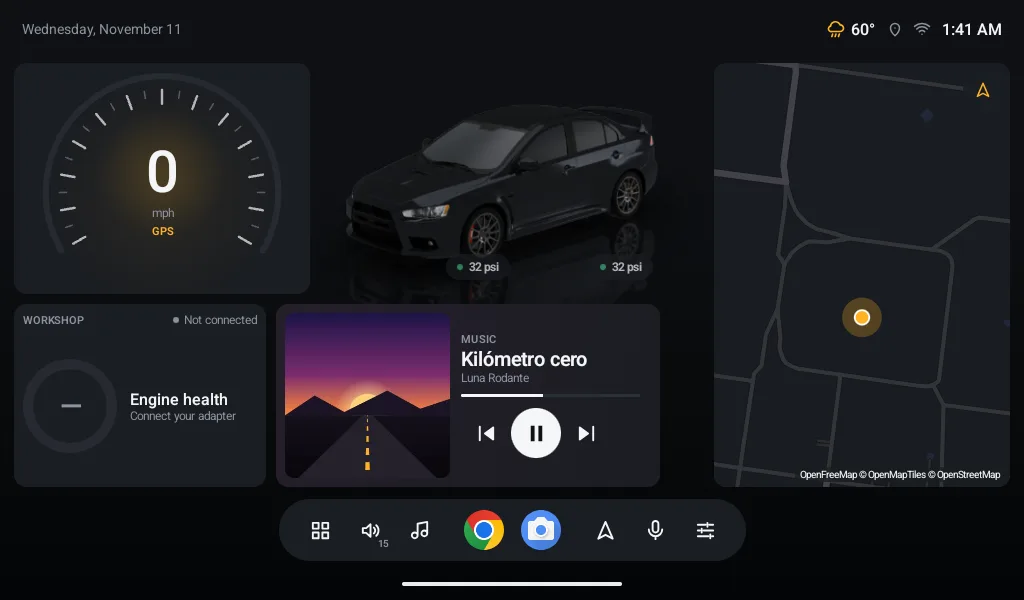
Before you install it.
Which screens does it work on?
Android car and motorcycle head units (the 7", 9", 10" and 11" ones, landscape or portrait), tablets and phones, from Android 6.0. Tested on Android 6 with 1 GB of RAM.
How do I make it my home screen?
Install the APK, open LiteDash and tap "Make it your home". Android asks which home to use: pick LiteDash and "Always".
Is it free? Does it have ads?
Free, ad-free and no tracking. LiteDash never asks for an account; the optional phone app, LiteDash Connect, uses a free one. LiteDash's code is on GitHub under the GPL-3.0 license.
Do I need internet?
Not to use it. Only for what you ask: downloading your 3D car, weather, internet radio, the map or checking for updates.
What do I need for the Workshop and tires?
For the Workshop, an ELM327 adapter (Bluetooth, Wi-Fi or USB). For tires, a TPMS kit with a USB receiver or Bluetooth sensors; some cars report them over OBD.
What about Google Play?
Already on Google Play, or grab the APK from GitHub. Same app: it installs and updates the same wherever you download it.
What is LiteDash Connect?
An optional app for your Android phone that shows what's playing on it in LiteDash, with album art and controls. LiteDash works fully without it. More on Connect.
Try it today.
Download the APK, install it on your head unit and choose LiteDash as your home screen. Your car, clean.
Installed it? If you like it, give it a ★ on GitHub: it helps more people find it.
Android 6.0 or newer · cars and motorcycles from 6" to 11" and up · —·· is the D in Dash in Morse code